Live Streaming for DJs: 5 Pieces of Gear You Need
Start broadcasting with gear from IK Multimedia, Elgato, RØDE and Evermix!

 3,8 / 5,0 |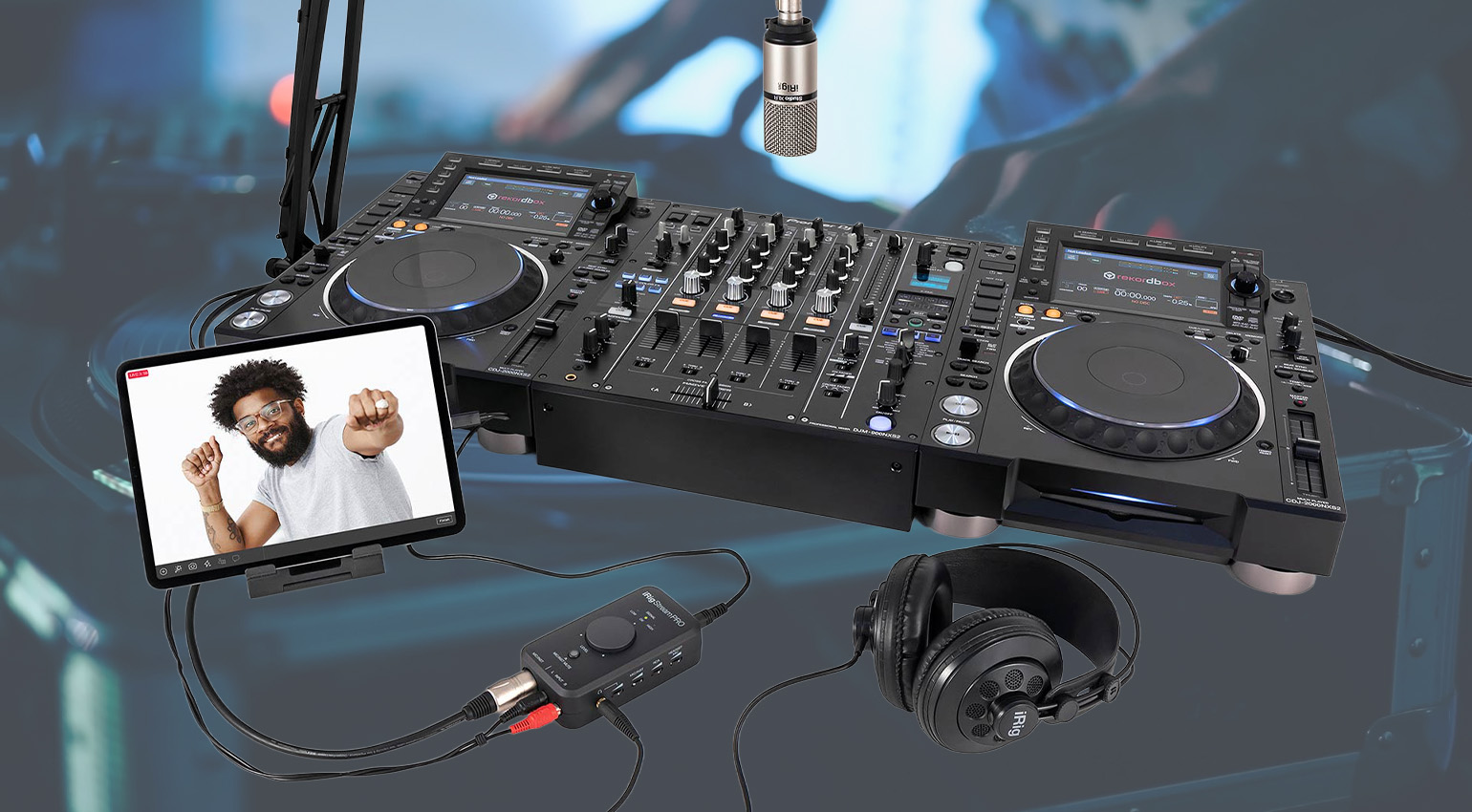

Why let podcasters have all the streaming fun? When it comes to live streaming for DJs, here is the gear that you need – no matter your current DJ rig.
Live Streaming for DJs
Everything changed during the COVID pandemic. Suddenly, we were stuck inside and couldn’t get out to spin in clubs. That’s when live streaming really took off, with DJs joining musicians and podcasters in delivering live content over the internet. Now live streaming for DJs has become a viable side hustle to playing out, or can even be a fun (and profitable) alternative to outside gigs.
This article won’t tell you how to live stream (sorry – for that, check out this guide from Restream). But it will tell you some of the gear you can use to get started showcasing your talents on sites like Twitch, YouTube and Mixcloud Live. I’m also assuming you already have the DJ gear. If you’re looking for controllers, check out these stories for recs on the best standalone and portable controllers.
Here then are my picks for five pieces of gear you need. Curious about live streaming for DJs? Start here.
Live Streaming for DJs: Elgato Stream Deck
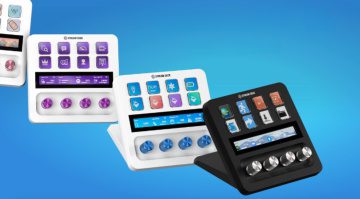
I’m starting with the Elgato Stream Deck because I think it’s emblematic of what live streaming has become. If all you ever do is manually press start, do your DJ thing, and then walk across the room to press stop again, the Stream Deck devices may seem like overkill. But when you start thinking about streaming like a live broadcast with multiple cameras, audio sources, graphics, and everything else that makes it feel professional, then Stream Deck can provide a very elegant solution.
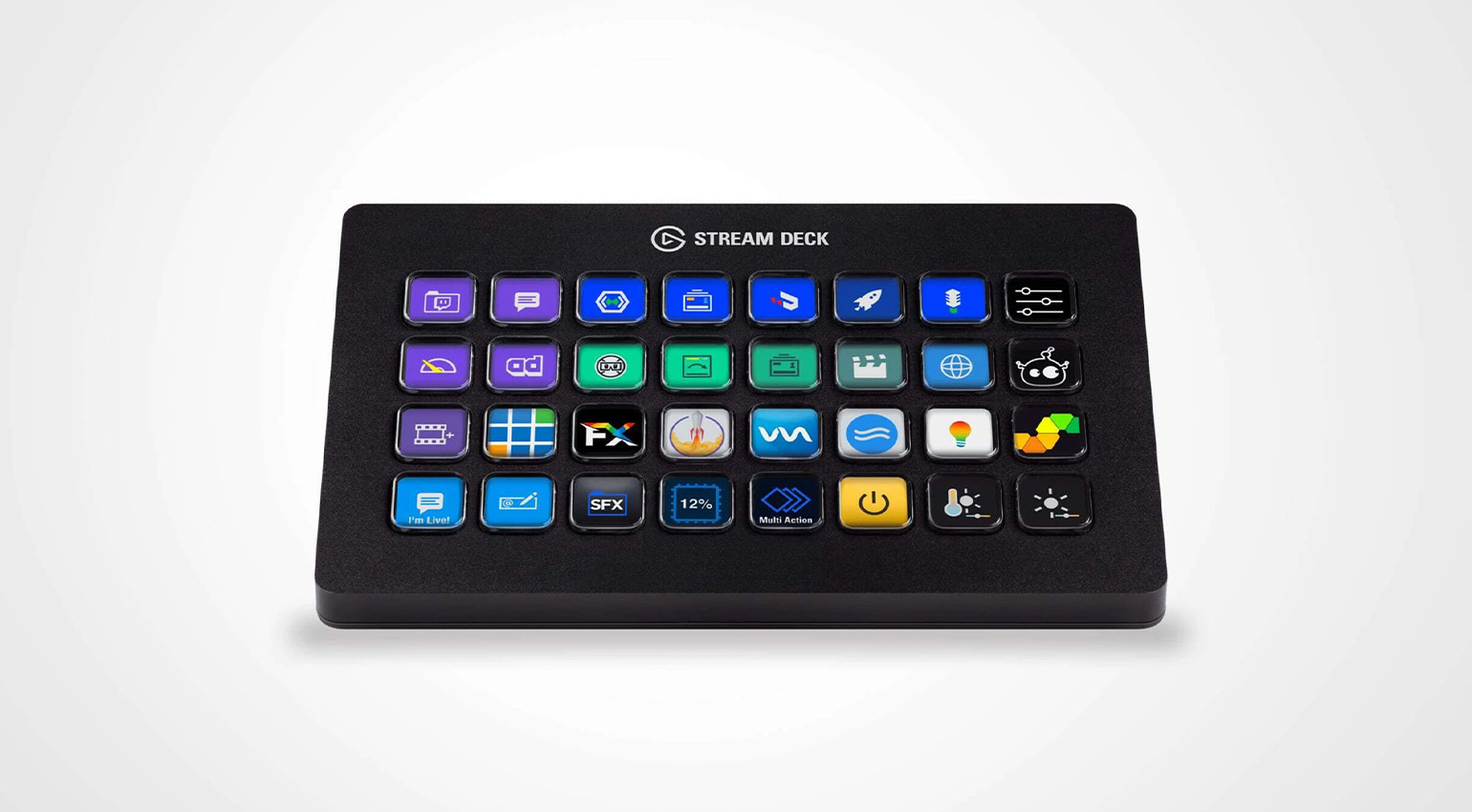
Basically a launch station, it’s full of buttons to activate different apps and actions on your computer. If you’re a one-man show and need to do it all while also performing, you need something that you can access quickly – and with little room for mistakes. Using the LED buttons (essentially macros for apps), you can “launch apps and websites, open folders, access pre-composed texts – even streamline your video editing, graphic design, or audio production workflow,” according to Elgato.
There are different models with differing numbers of buttons. Choose the one that solves the most problems for you.

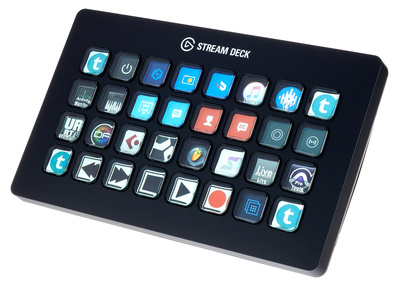

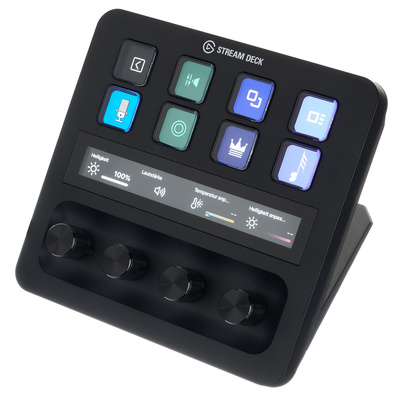
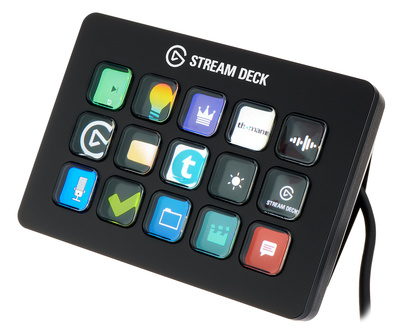
- Elgato Stream Deck product page
Live Streaming for DJs: RØDE RØDECaster Pro II
“I’ve already got a mixer,” you say. “It’s part of my DJ rig, after all.” Very true. But there’s more to live streaming than just playing records. Or at least, there can be. As with the Stream Deck (above), the RØDE RØDECaster Pro II may be too much power for some DJs. But for others, it will be just what the doctor ordered.
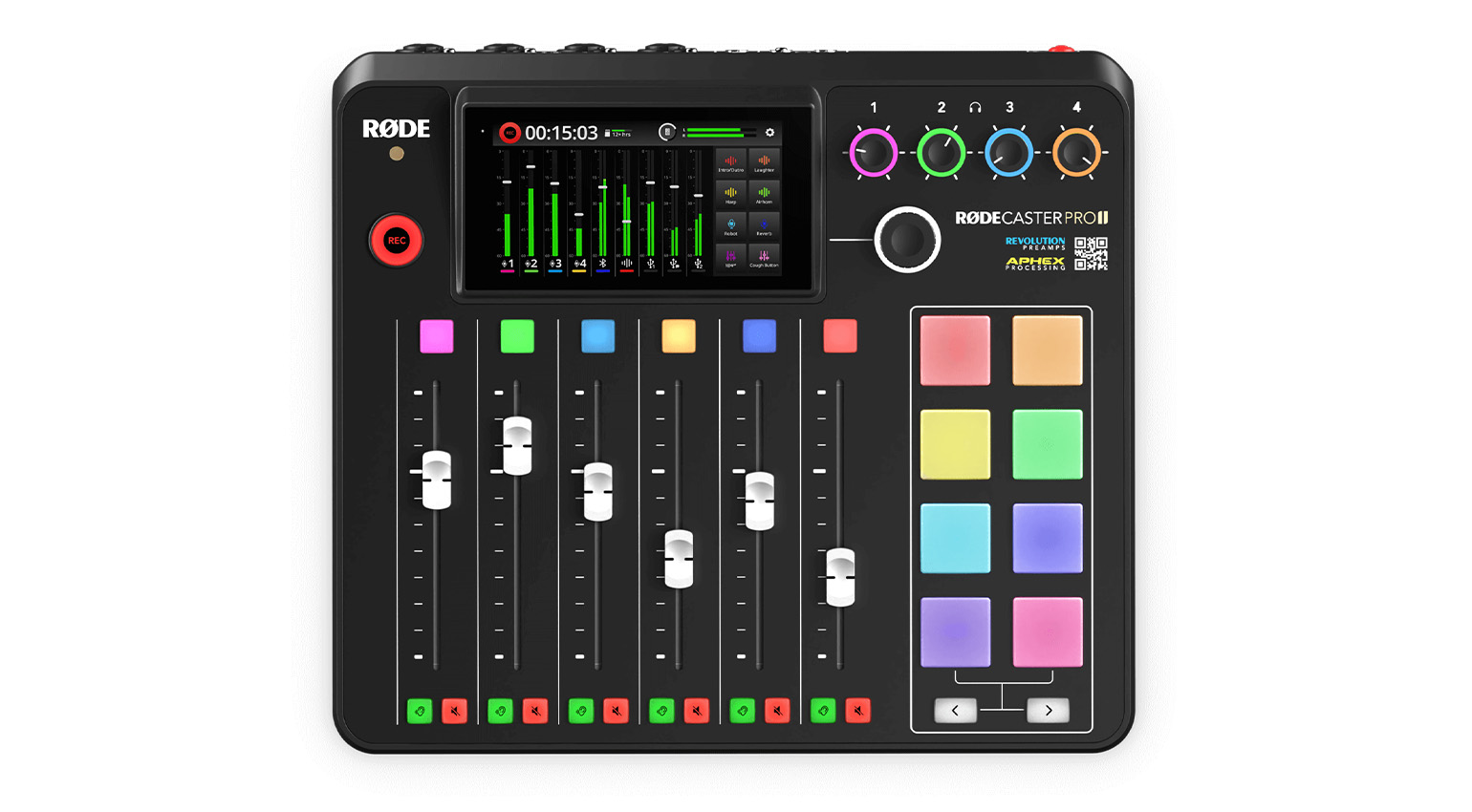
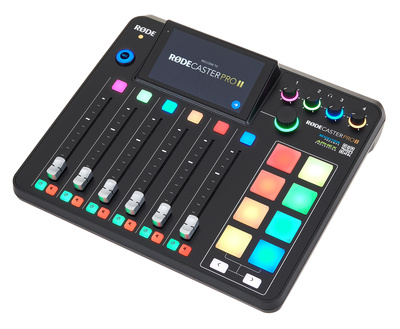
One of our favorite mixers for podcasting, the RØDE RØDECaster Pro II can also provide a lot of solutions for live streaming for DJs. You get four XLR/line input combo jacks – that’s your stereo mixer plus two mics right there – plus eight programmable SMART pads with eight banks and two bank change buttons (for a total of 64 actions) for triggering audio, effects, MIDI commands, mixer actions and vision switching. There’s also a dual USB audio interface for simultaneous connection with two computers or mobile devices, plus lots more.
When you’re ready to take your streaming from a solo show to a full-on production, the RØDECaster Pro II is the mixer to look into.

- RØDE RØDECaster Pro II product page
Live Streaming for DJs: IK Multimedia iRig Stream Pro
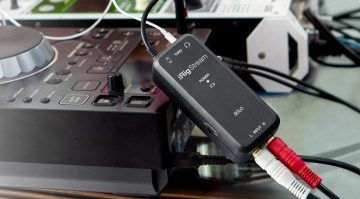
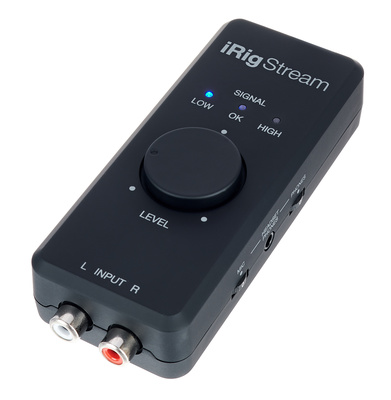
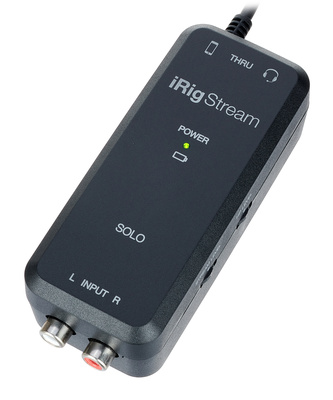
So far, we’ve looked at solutions for full-featured studios. But there may come a time when you want to take your portable DJ controller outside and stream from the beach or park bench. Or your cousin’s wedding. You can do that with just a phone or tablet and an IK Multimedia iRig Stream device. I’m recommending the Pro model here but there are a couple of different ones to choose from.
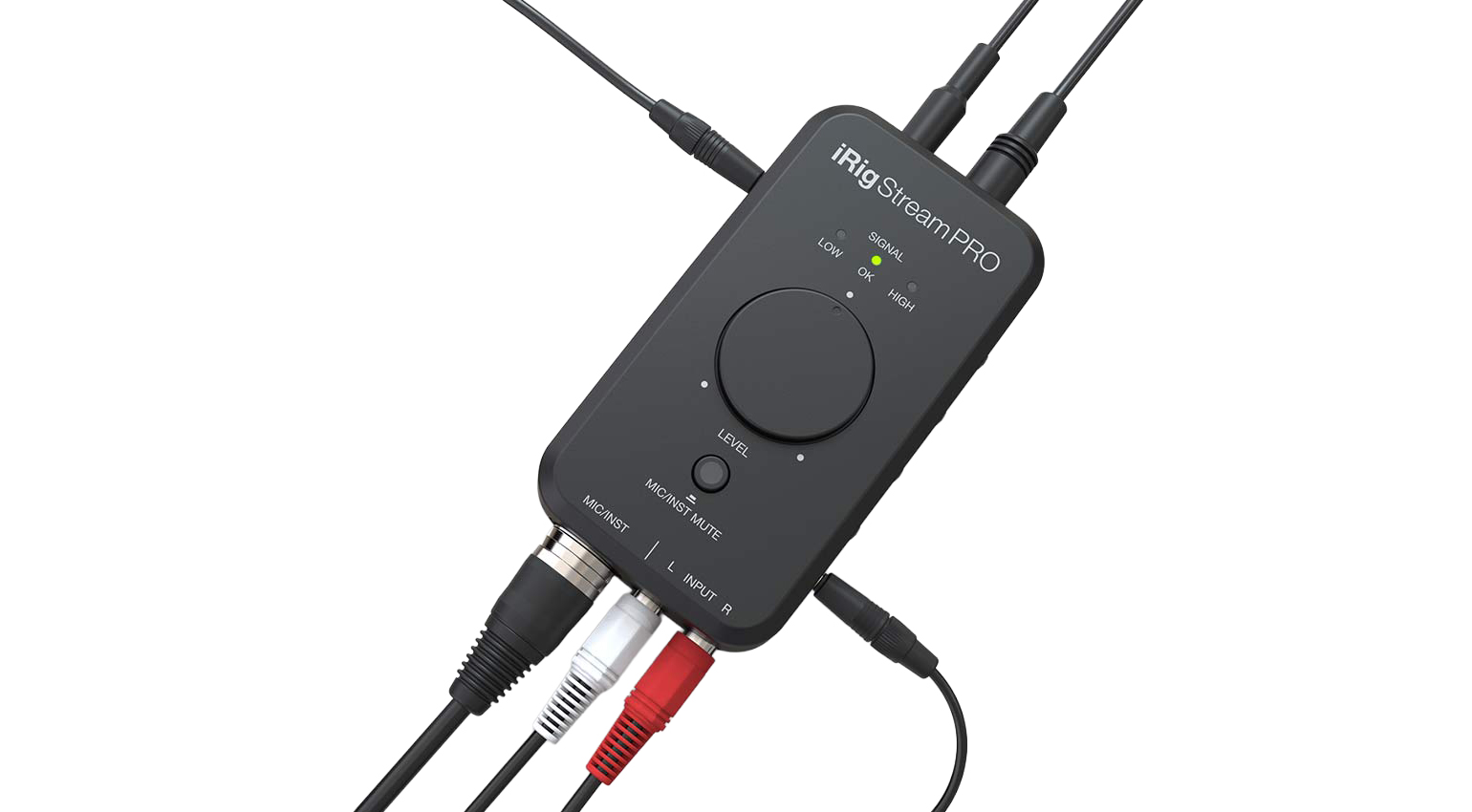
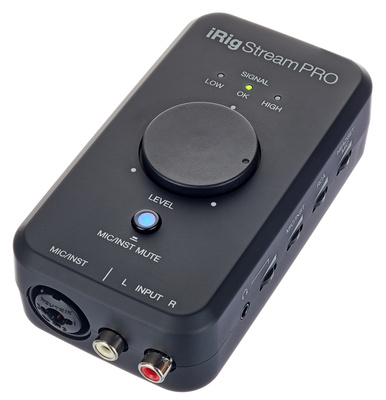
With the IK Multimedia iRig Stream Pro, you can connect stereo audio from your standalone controller or mixer, plus a mic or instrument via the additional XLR/combo jack and route it into a phone, tablet or computer. It’s got a headphone out with integrated mic input, a second headphone out for going straight to camera, loopback for processing audio in a different app, and 96 kHz/24-bit resolution. And you can power it off batteries or bus power, making it extremely portable.

- IK Multimedia iRig Stream Pro product page
Live Streaming for DJs: Elgato Facecam MK.2
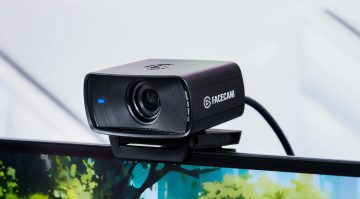
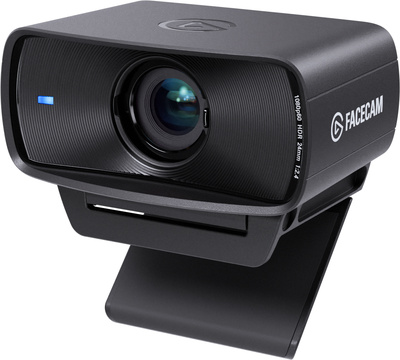
If you’re stood at a desk on the other side of the room, a webcam may not make much sense. But if your live stream rig involves speaking to the camera at any point, consider a Facecam MK.2 from Elgato.
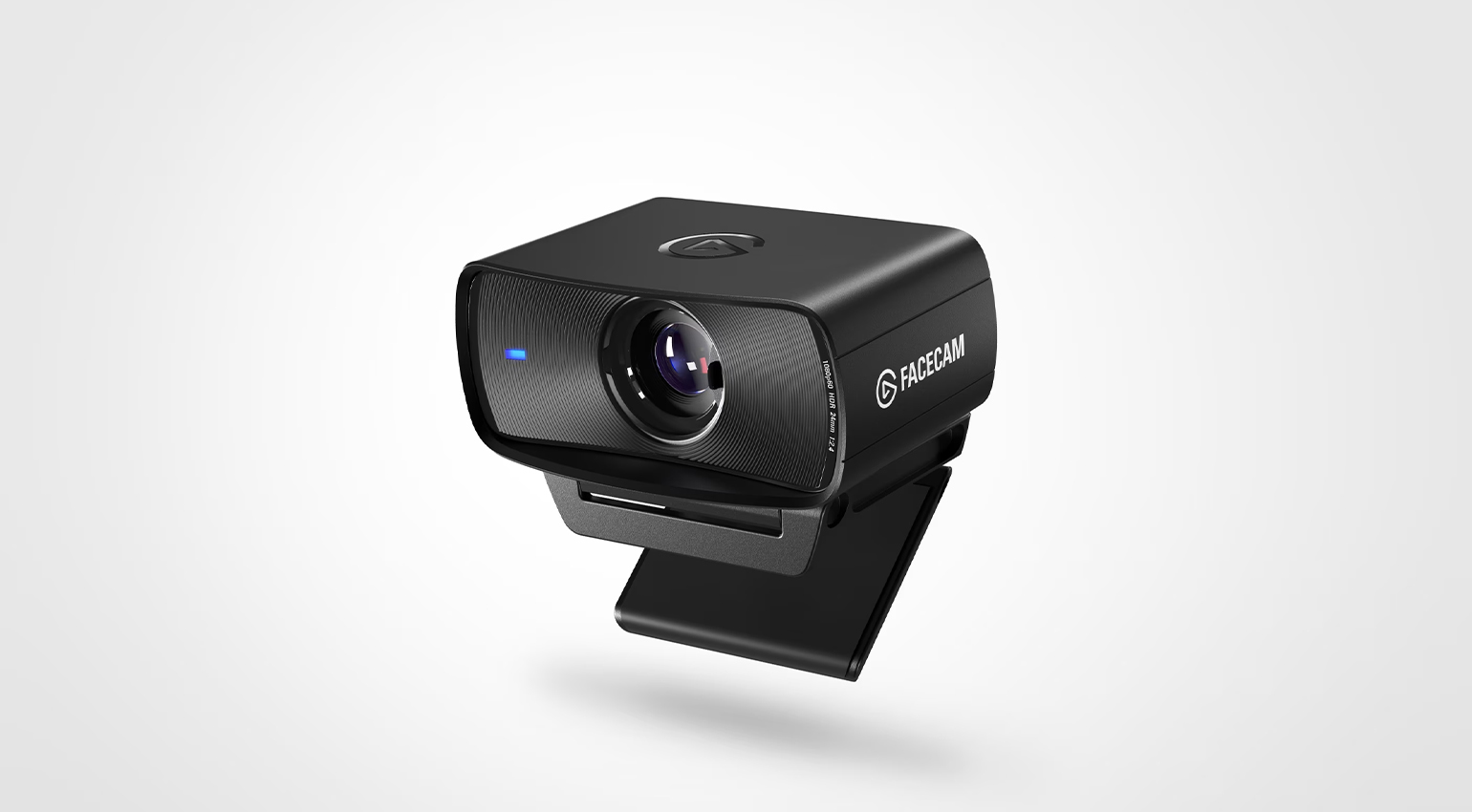
As it’s from the same folks who make the Stream Deck devices (above), the Facecam MK.2 works perfectly with them. It has HDR up to 1080p60, a focal length of 24 mm and an f/2.4 aperture tailor-made for desk setups, plus an app called Camera Hub for changing settings. You can also zoom and pan.
- Elgato Facecam MK.2 product page
Live Streaming for DJs: EvermixBox 5
My last recommendation for live streaming for DJs is the EvermixBox 5, a device from a company called Evermix that’s purpose-built for DJs to record and live stream their sets. Much like the iRig Stream, it sits between your DJ mixer and phone and has stereo in phono jacks plus a mic input. But unlike IK Multimedia’s device, Evermix made their durable aluminum interface with chaotic DJ booths in mind.
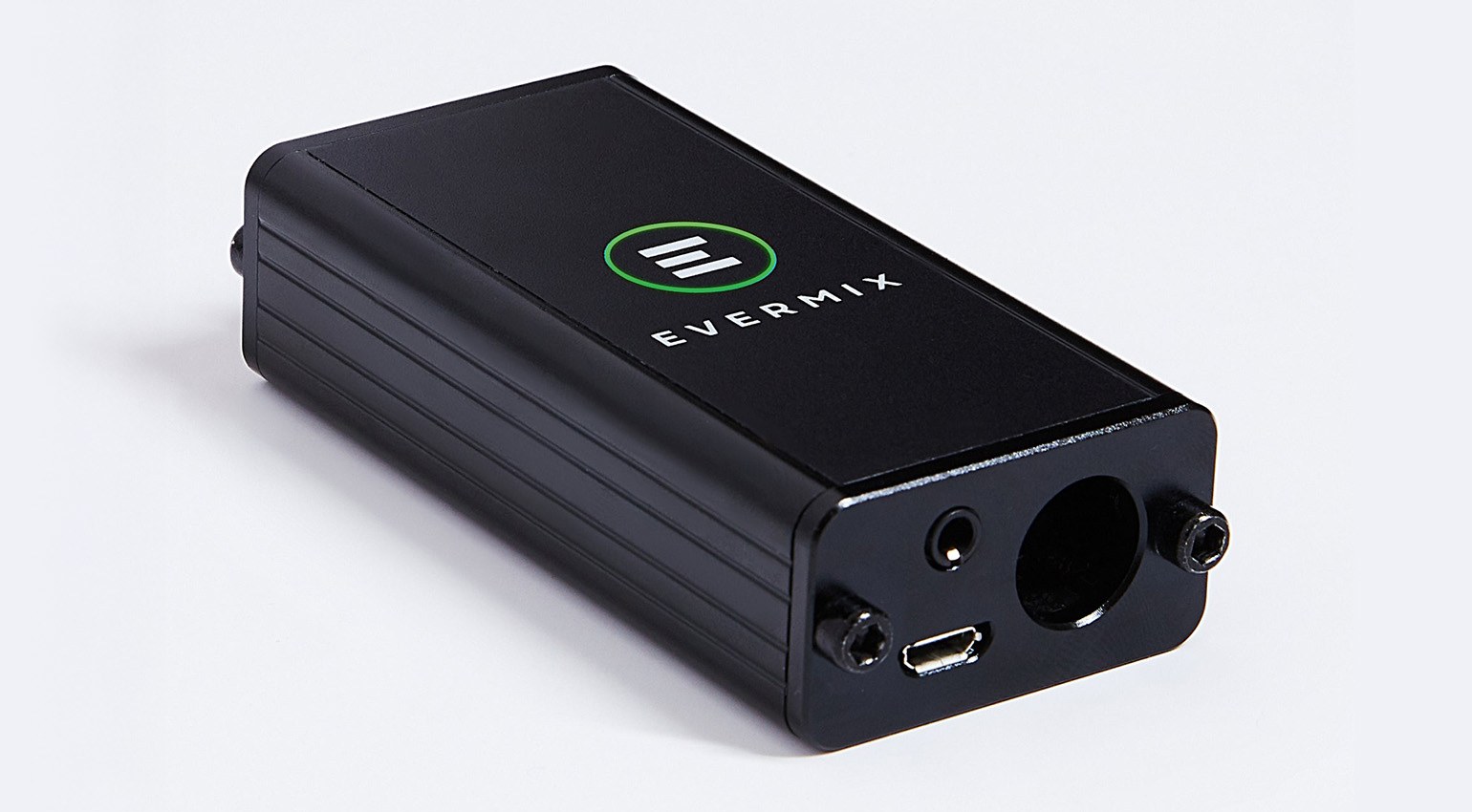
The box captures audio at 16-bit, 44.1kHz or 48kHz WAV with a 30Hz to 20kHz frequency response and offers auto level limiting to prevent distortion and clipping. On the phone side, there’s an app to capture your set, plus an option to live stream the recording to Facebook, YouTube, Instagram and most other leading streaming platforms.
The best part is it’s surprisingly affordable for a niche boutique device. Check it out at the link below.
- EvermixBox 5 product page
More Information
- All about DJing
- All about live streaming
- Buy DJ gear at Thomann*
*Note: This article contains advertising links that help us pay for this site. Don’t worry: the price for you will always be the same! If you buy something through these links, we will receive a small commission. Thank you for your support!

This might also interest you